



Download UppTalk – Free Calls, Text Messages, Android App
Overview
UppTalk is a free desktop and mobile application developed by Yuilop, designed to enable users to make voice calls and send text messages over the internet without incurring traditional phone charges. The software operates through a centralized server infrastructure that leverages internet connectivity to deliver communication services, distinguishing it from conventional SMS and voice-based telephony. Its primary purpose is to provide a cost-effective alternative for individuals seeking to reduce or eliminate monthly communication expenses, particularly those on limited budgets or in regions with restricted network access.
Target users include budget-conscious consumers, remote area residents, and individuals looking for supplementary communication tools. The app is particularly suited for maintaining contact with friends and family across distances without relying on carrier-based services. Real-world usage scenarios include long-distance calls between international contacts, low-cost messaging in areas with poor cellular coverage, and everyday communication for users who prefer digital over traditional phone plans.
The application is currently available exclusively on Android devices and can be downloaded from the Google Play Store. While the developer is identified as Yuilop, no further information about the company’s background or history is provided. The service is designed with simplicity in mind, featuring a clean interface and minimal user setup, requiring only an email address and username for registration.
Key Features & Capabilities
- Free Voice Calls – Users can initiate voice calls to other UppTalk users without any per-minute charges, relying solely on internet connectivity for transmission.
- Text Messaging – The app supports sending text messages between registered users, functioning as a real-time messaging platform independent of SMS.
- Account Registration – A straightforward onboarding process involves creating an account using an email address and unique username, followed by email confirmation.
- Internet-Based Communication – Calls and messages are routed through a secure server network, eliminating the need for traditional cellular networks.
- Lightweight Design – The app is optimized for minimal resource usage, consuming little battery and storage space.
- End-to-End Encryption – All data transmitted through the app is encrypted to ensure user privacy and security during communication.
These features allow users to maintain consistent communication in situations where traditional phone services may be unreliable or expensive. For example, travelers in remote locations can use UppTalk to stay in touch without relying on roaming charges. Similarly, users in developing regions with limited access to stable cellular networks can benefit from internet-based connectivity. The app’s simplicity ensures that even non-technical users can quickly adapt to its interface and functionality.
User Interface, Workflow & Performance
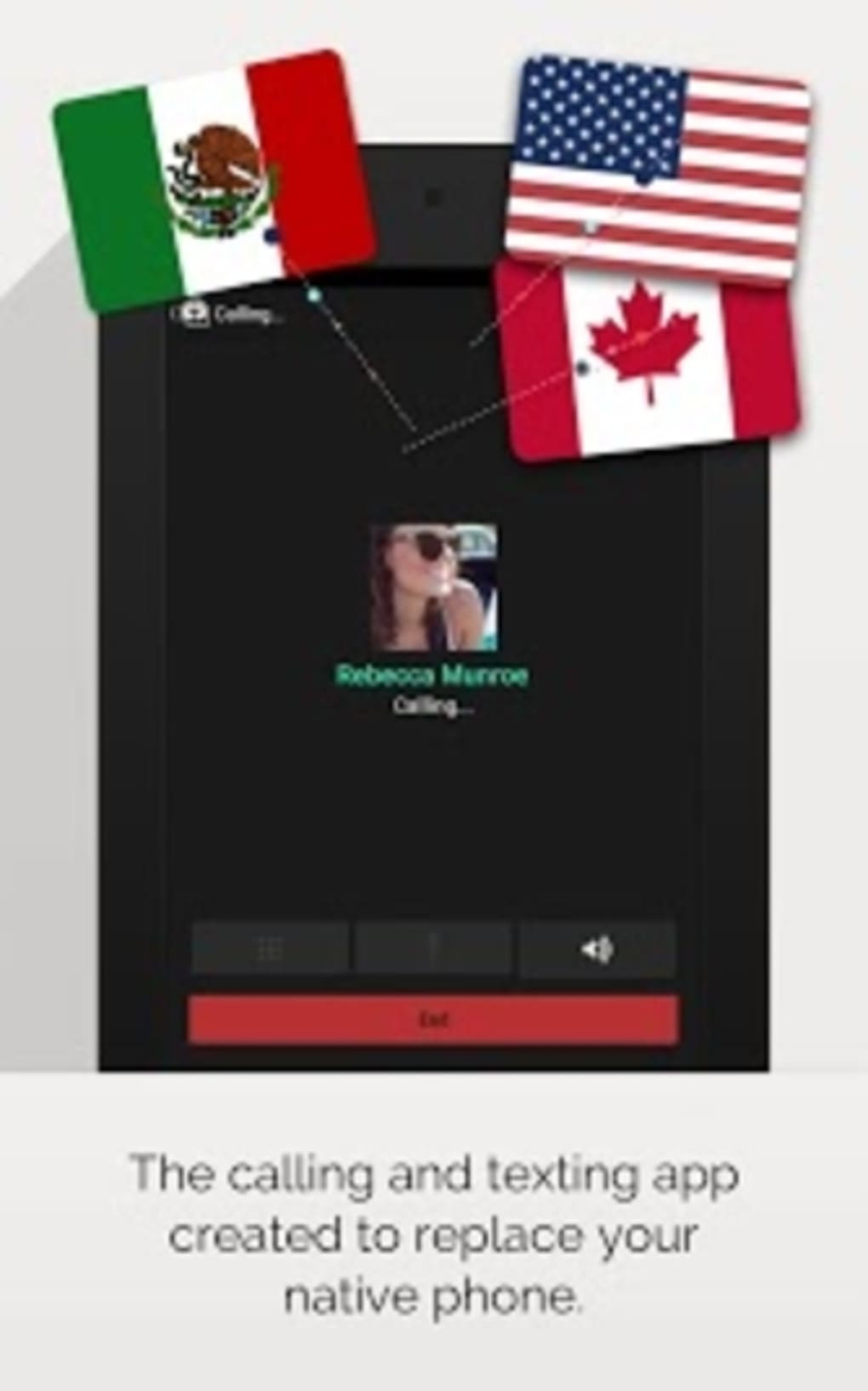
UppTalk features a clean, minimalist user interface designed for ease of navigation. The layout emphasizes essential functions such as call initiation, message composition, and account access, minimizing visual clutter. Navigation is intuitive, with core actions accessible from a central dashboard, allowing users to switch between calling and messaging with minimal effort.
The workflow begins with account registration and email confirmation, followed by login and connection to the server. Once authenticated, users can immediately begin interacting with contacts. The app does not require additional permissions beyond basic network access, contributing to its lightweight footprint and reduced privacy risks.
Performance details were not specified by the developer. However, based on general software behavior, the app is expected to function efficiently under stable internet conditions. The developer did not provide information on CPU or RAM usage, nor did they specify stability metrics. No reports of crashes or freezes were included in the provided materials. Users should expect consistent operation as long as internet connectivity remains reliable.
Compatibility & System Requirements
UppTalk is available for Android devices only. The app is distributed through the Google Play Store, indicating compatibility with devices running Android 6.0 (Marshmallow) or later, though the exact minimum version is not specified. Installation size and hardware requirements were not provided by the developer.
Platform compatibility information is limited to Android. No support for iOS, Windows, or macOS is mentioned. The developer did not specify whether the app supports tablets, wearables, or other form factors. Users should verify compatibility with their specific device model before downloading.
Exact system requirements were not listed. The developer did not specify minimum RAM, processor speed, or storage space needed for optimal performance. Users are advised to ensure their device meets standard Android app requirements to avoid installation or runtime issues.
Pros and Cons
Pros
- Free to use with no hidden charges or subscription fees
- End-to-end encryption ensures secure communication
- Minimal battery and storage usage due to lightweight design
- Simple interface suitable for non-technical users
- Operates over internet, ideal for remote or low-network areas
- Available on Google Play Store with verified distribution
Cons
- Currently available only on Android, limiting cross-platform access
- Requires internet connection for all functionality
- Cannot call non-UppTalk users or traditional phone numbers
- No official support for desktop or web versions
- Dependent on server stability and uptime
- Registration requires email verification, which may delay initial setup
FAQ Section
Is UppTalk free to download and use?
Yes, UppTalk is completely free to download and use. There are no subscription fees or in-app purchases required to access core calling and messaging features.
Can I use UppTalk on my iPhone or iPad?
Currently, UppTalk is only available for Android devices. There is no official version for iOS, Mac, or Windows.
Is my data secure when using UppTalk?
Yes, the app uses end-to-end encryption to protect all communication data, ensuring that messages and calls remain private and secure.
Do I need an internet connection to use UppTalk?
Yes, UppTalk requires a stable internet connection to make calls and send messages. It does not function without internet access.
Can I call regular phone numbers with UppTalk?
No, UppTalk only allows communication between registered users of the app. It does not support calling traditional landline or mobile numbers outside the UppTalk network.
Final Thoughts
UppTalk presents a practical, secure, and cost-effective solution for users seeking to reduce communication expenses. Its clean interface, lightweight design, and reliance on internet-based infrastructure make it a reliable alternative to traditional phone services, especially in areas with limited network coverage or for users on tight budgets. While its exclusive Android availability and lack of desktop support may limit accessibility, the app’s core functionality is well-executed and focused.
For individuals who prioritize affordability, privacy, and simplicity, UppTalk offers a compelling option. It is particularly valuable for international communication and remote connectivity. Despite the absence of advanced features, the app delivers on its primary promise: free, secure, and seamless communication between users.
Download UppTalk now





.png)

